Genius Guide: How to Create a Potluck Sign Up
Use this guide to get step-by-step instructions on how to create a potluck sign up with SignUpGenius
 Posted by Trey Mosier
Date:10/10/2025
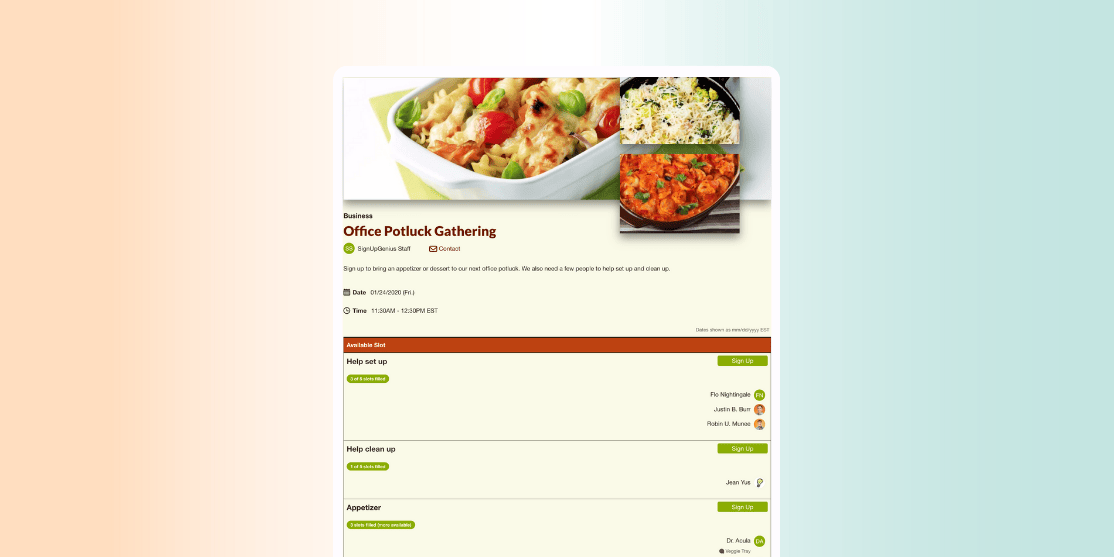
Plan the perfect potluck with SignUpGenius. Follow our Genius Guide to create your online sign up sheet in just minutes to help keep your potluck organized.
1) Start your sign up
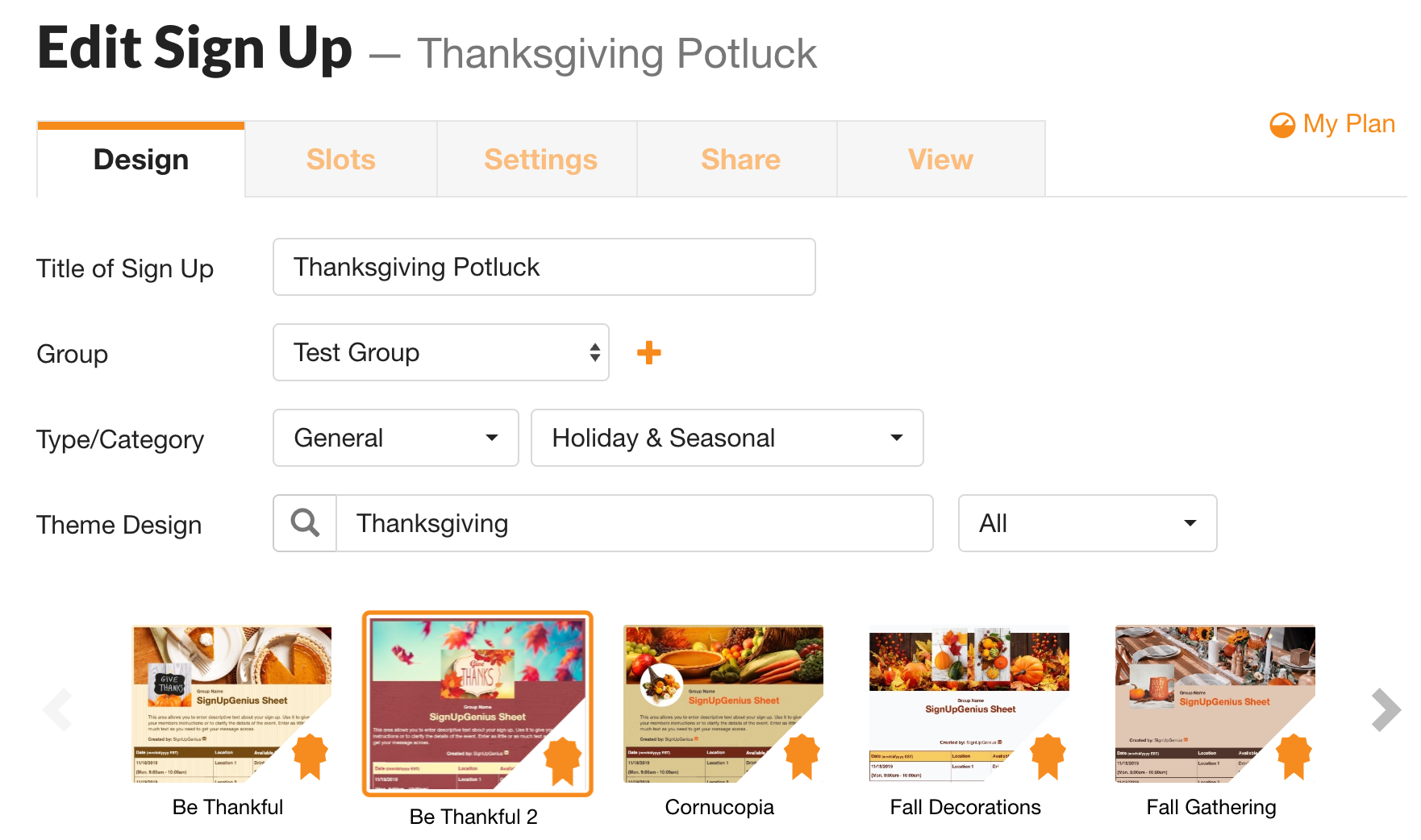
2) Design Tab
- Add Title: “Neighborhood Potluck” or “Office Summer Potluck.”
- Add Group: Create your list of recipients
- Categorize: Select the type of event you are hosting and the category (cause) for the event.
- Customize: Choose theme like Thanksgiving or Education and select a fun design to go along with the sign up.
Looking for potluck theme ideas? Check out our
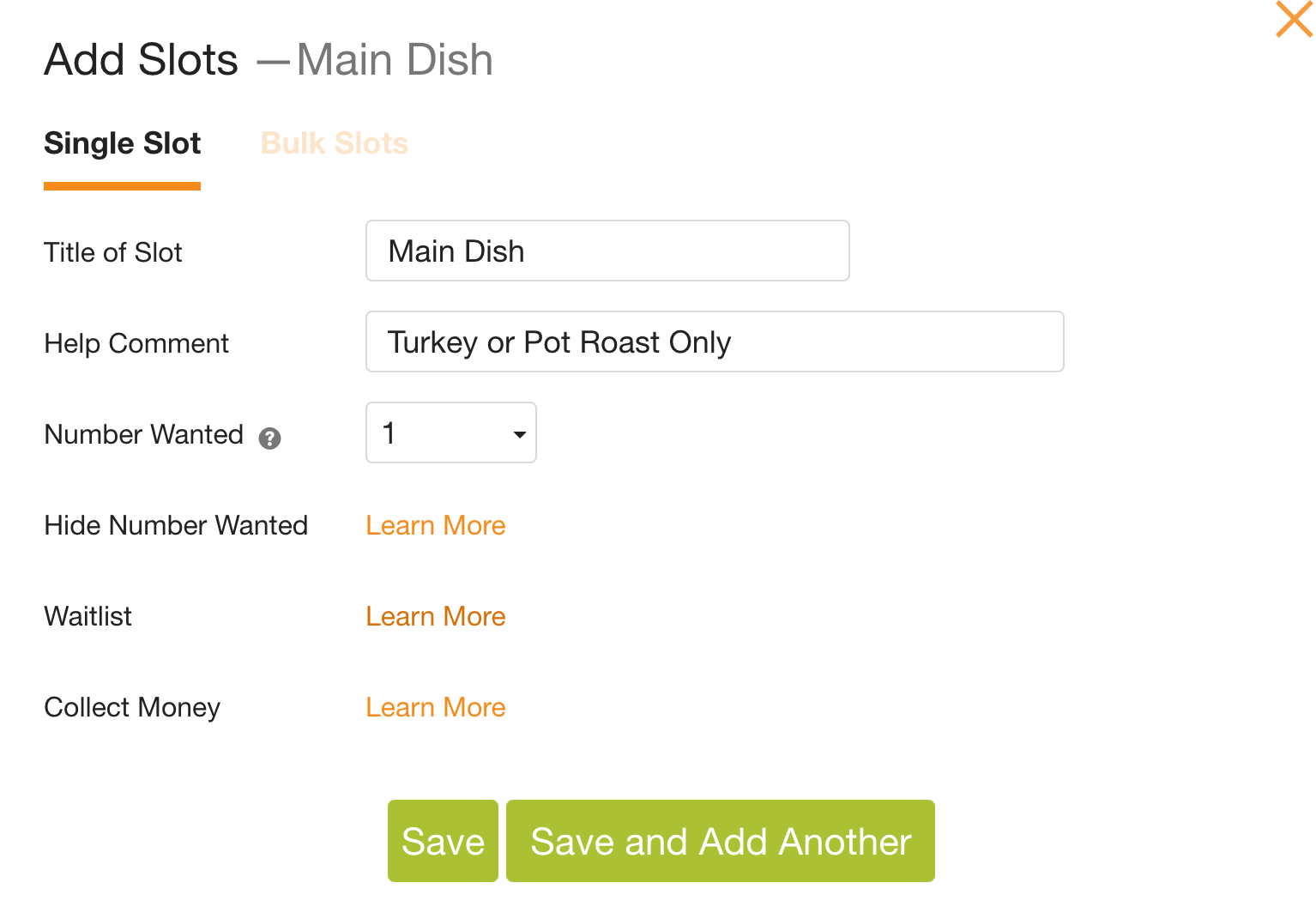
3) Slots Tab
- Choose Format: Most potlucks are one-off events so choose the Sort by Date or Single Date RSVP if you want to track the number of people attending.
- Select a date before your event when you want to close the sign up.