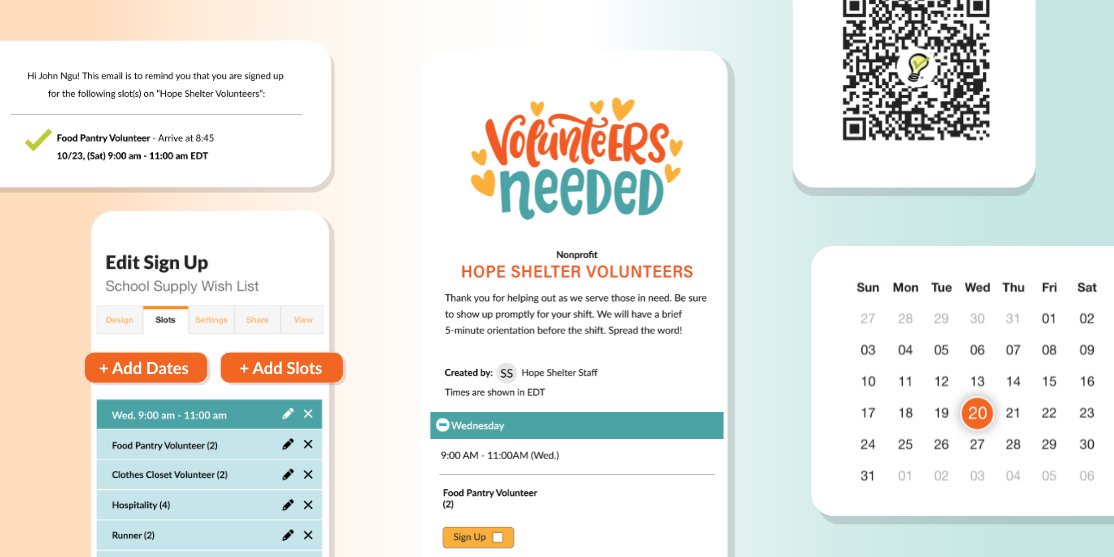
You can customize slots with dates, times and the number of people needed for each role — making it easy to organize even complex schedules.
3. Add Custom Questions
If you normally send multiple follow-up messages asking for details, this feature can save a lot of time.
Custom questions allow you to collect important information when someone signs up, such as:
Contact information
T-shirt sizes
What participants plan to bring
Special instructions or preferences
You can add custom fields like text boxes, drop downs or checkboxes to gather exactly what you need.
4. Test Automated Reminders
One of the biggest time-savers in SignUpGenius is automatic reminders.
Instead of manually messaging participants before an event, reminders are sent automatically to anyone who signed up.
During your trial, schedule reminder emails and see how they work for:
Upcoming volunteer shifts
Event reminders
Item or supply commitments
This feature alone can eliminate dozens of follow-up messages.
5. Customize Confirmation Messages
With premium plans, you can customize the confirmation emails participants receive after signing up.
This is a great place to include:
Event details
Parking instructions
What to bring
Contact information for questions
By adding these details to confirmations, everyone receives the same clear instructions automatically.
6. Try Organizing a Larger Sign Up
If you manage larger events, this is a good time to test features designed for more complex coordination.
For example, you can try:
Start/Stop Dates to control when people can sign up
Hide Past Dates to keep the sign up clean and easy to navigate
Sign Up Tabbing to separate large events into sectioned sign ups
Sign Up Locking to prevent changes once planning is finalized
These tools help keep larger events organized and easier for participants to navigate.
7. Invite a Co-Organizer
Many events aren’t organized by just one person.
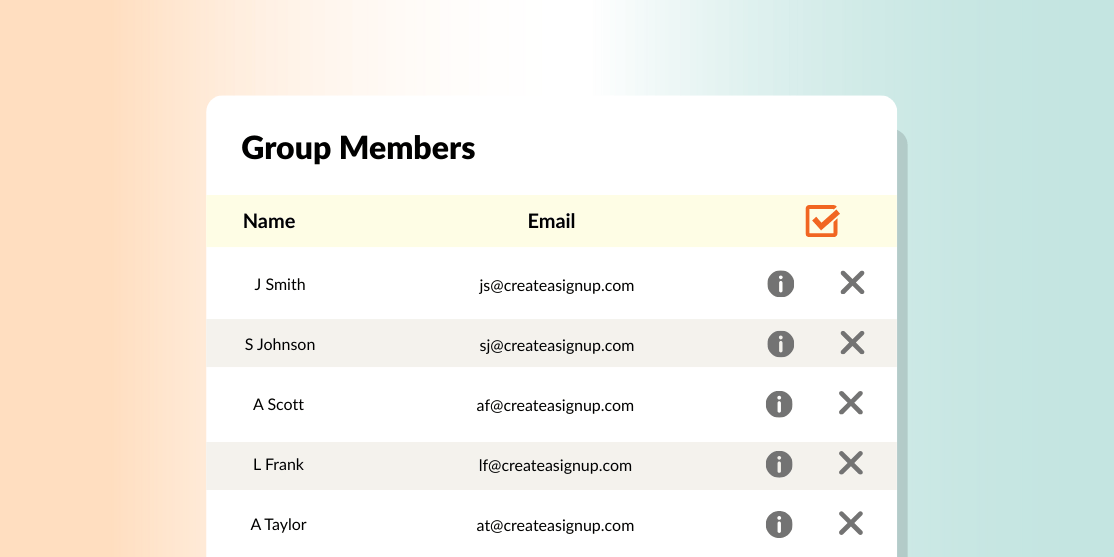
During your free trial, try adding another organizer as an Additional Administrator so you can share responsibilities.
You can assign different permission levels depending on what they need access to, which makes it easier to collaborate without losing control of the account.
See How Much Time You Can Save
The goal of your free trial is simple: see how much easier organizing can be.
By creating a real sign up, testing automation features and experimenting with customization, you’ll quickly get a feel for how SignUpGenius can streamline your planning process.
Start exploring the features available during your trial — and discover how simple coordinating your group can be.
How long is the SignUpGenius free trial? The SignUpGenius free trial gives you temporary access to premium plan features for 10 days so you can explore how they work before committing to a paid plan. During your trial, you can test advanced tools like custom notifications and additional administrator permissions to see which features best support your organizing needs.
What features are included in the SignUpGenius free trial? Your free trial includes access to a variety of premium features designed to make organizing easier. These may include tools like start and stop dates for sign ups, custom questions, sign up tabbing, additional administrators and more. Testing these features during your trial helps you see how they can simplify coordinating events, volunteers or schedules.
Can I still use my sign ups after the free trial ends? Yes. Any sign ups you create during your free trial will remain in your account. If you choose not to upgrade to a premium plan, your account will simply revert to the free version of SignUpGenius, which still allows you to create and manage basic sign ups.
Do participants need a SignUpGenius account to sign up? No. Participants do not need their own SignUpGenius account to sign up for a slot. They simply click the sign up link, enter their information and select the slot they want. This makes it easy for groups to participate without creating additional accounts.
What happens when my free trial ends? When your trial ends, you can choose the premium plan that best fits your needs if you want to continue using advanced features. If you decide not to upgrade, your account will automatically revert to the free version. You can continue using SignUpGenius, but premium features will no longer be available.
I am a huge fan of SignUpGenius. I am a second career nurse in northern Virginia at a large teaching hospital where I work on the labor unit with 120 fabulous coworkers. The nurses have to sign up for eight hours of "call" each schedule of four weeks. After two months of getting the staff prepared mentally for online call, I'm pleased to say our maiden voyage was a huge success. All 84 nurses signed up within 24 hours, which was unheard of. We usually have to stalk and threaten. Thanks SignUpGenius. I'm a fan forever.
 Posted by Ally Patterson